This topic is part of a series of articles about the Precisely Customer Community. For the full list of topics, please visit : How to Access and Use the Precisely Customer Community
A community user account may be elevated to an "administrator" account with administrative privileges upon request to Precisely Support. This elevated access allows for additional privileges within the community and can only be assigned by Precisely Support.
There is no Administrator capabilities within the Partner Community and therefore the options below are not applicable to the Partner Community. To manage Partner Community user access, please contact the Partner Channel Ops team. Case Teams functionality is applicable to all users in the Customer and Partner Community.
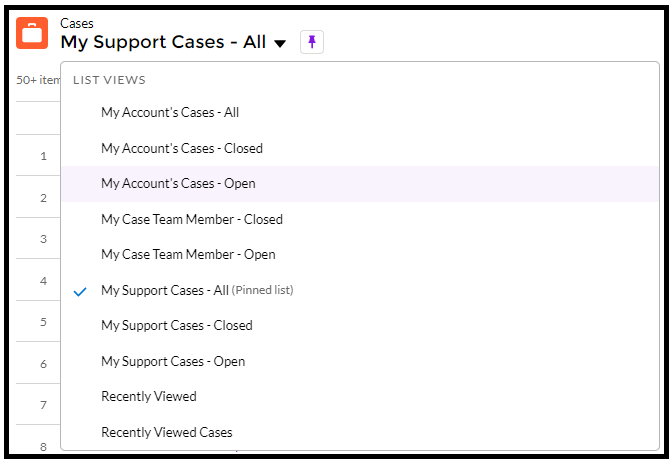
Three new case lists are added while logged in as an administrator, detailing cases associated with the registered account: "My Account's Cases - All", "My Account's Cases - Closed" and "My Account's Cases - Open".
Please note, this feature allows for case visibility through the community portal only. To enable notifications, refer to the following article on "case teams": Add Users to Cases via Case Teams
This process is detailed within the following article: Create a Precisely Customer Community User
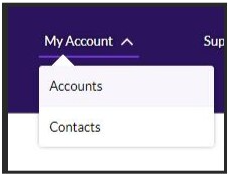
Account updates may be performed within the "accounts" portal:
Please reach out to Precisely Support with any questions regarding user accounts