This topic is part of a series of articles about the Precisely Customer Community. For the full list of topics, please visit : How to Access and Use the Precisely Customer Community
If you are new to the Precisely Customer Community / Precisely Partner Community but your user account has already been created, you will receive an email to finish registering your account.
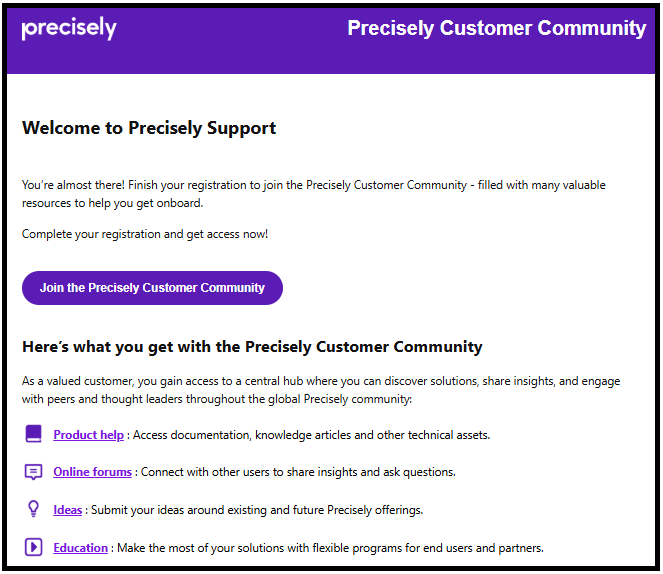
Select the "join" button in the message.
Your browser will launch a new window. On the password reset screen, enter a password – keep in mind the password strength criteria (8 characters, 1 uppercase letter, 1 digit or given special characters ! @ # $ % ^ & ~ ( ) * + , -. / : ; < = > ? are allowed).
Select the Submit button.
Note: If you have previously registered for the Precisely Customer Community / Precisely Partner Community and activated your account, you will not receive another email to set up your account again, as you would have previously set up your password. Please try to log into the Precisely Customer Community / Precisely Partner Community with the password you previously setup.
If you need to reset your password, please follow Reset Your Password