This topic is part of a series of articles about the Precisely Customer Community. For the complete list of topics, you can visit: How to Access and Use the Precisely Customer Community
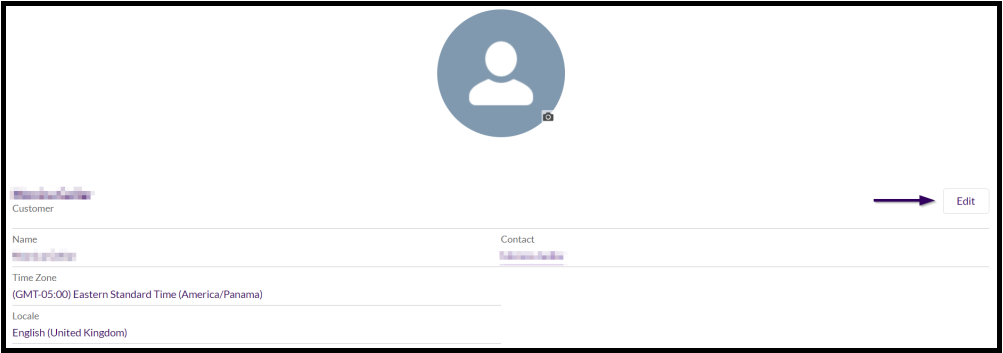
Select your name in the top right corner of the page and choose the "My Profile" option. On the user Information screen, select the "Edit" button to update the presented details.
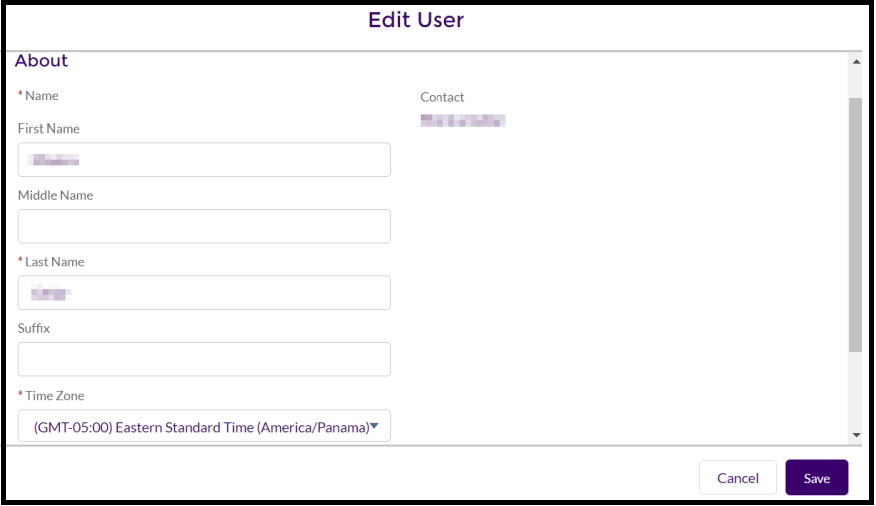
In the pop-up window, update any of the fields (for example, First Name, Last Name, Time Zone, etc.) and select the "Save" button.
Partners should contact the Channel Partner team if they need to update their information.