This topic is part of a series of articles about the Precisely Customer Community. For the complete list of topics, you can visit: How to Access and Use the Precisely Customer Community.
If you need to increase or decrease the severity of your case, you can do so under the Update Severity tab.
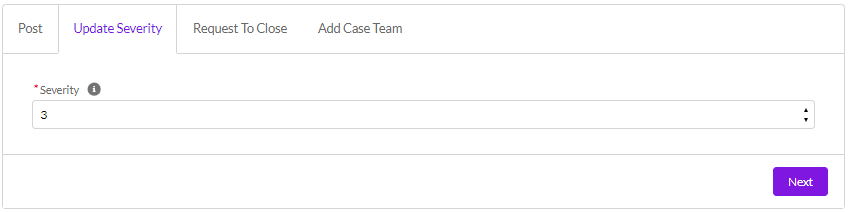
Select your new severity level from the dropdown. 3 is the standard, 2 is high severity, 1 is Critical Production Down, and 4 is low severity. For any cases deemed Severity 1 (i.e., Critical Production Down), please raise them online via the Customer/Partner community or call Support to be directly connected to a Support Engineer.
For additional information on severity levels, please refer to the Software Maintenance Handbook.
Select Next.
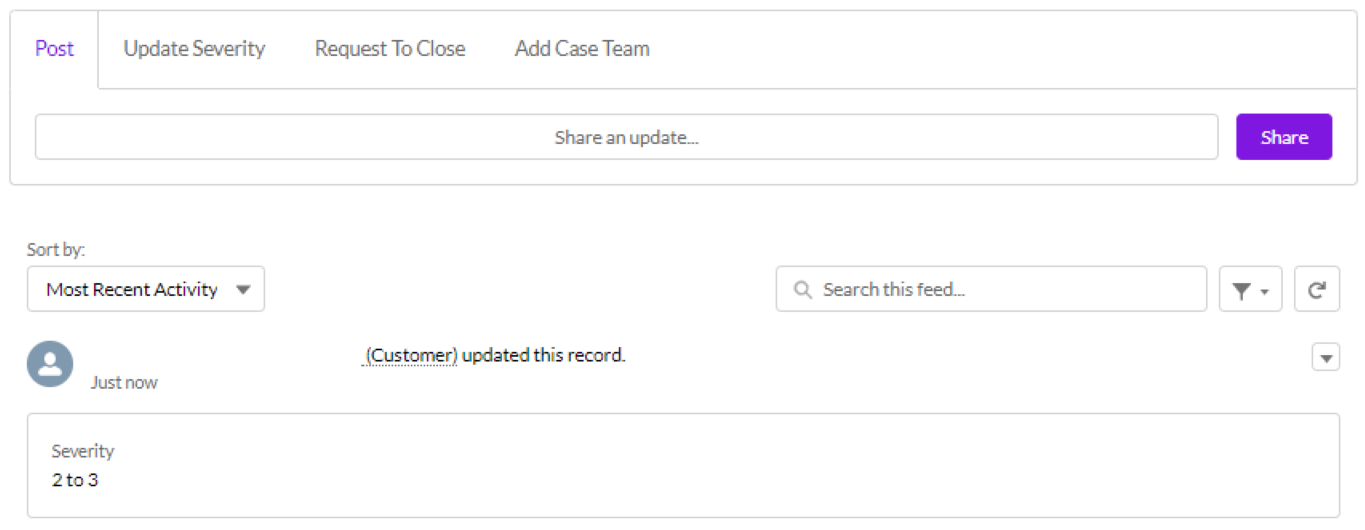
Your case severity level will be saved, and in your Case Feed, a new Post will be created to record the change.