This topic is part of a series of articles about the Precisely Customer Community. For the complete list of topics, you can visit: How to Access and Use the Precisely Customer Community.
If you have opened a Case but no longer need support, you can request that the Support team close the Case and add a Comment explaining why.
From the list of Cases, select the Case Number of the Case you would like to request to close.
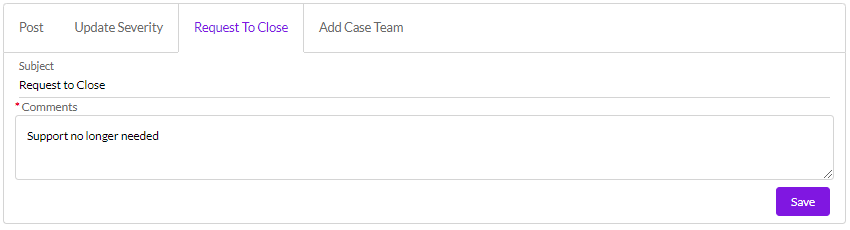
Select the Request to Close tab, enter your comments about why the Case can be closed (these comments are required), and select the Save button.
Once you save the request, a notification will be sent to the support Case Owner who will close the Case in the Precisely back-end system. You will later receive an email notification that the Case has been closed. You may also receive a Survey if you have not received one in the past 7 days and have not opted out of Surveys.