This topic is part of a series of articles about the Precisely Customer Community. For the complete list of topics, you can visit: How to Access and Use the Precisely Customer Community.
Each Precisely Customer Community user can view their own Contact information and update as needed. If you are the Primary or Secondary Administrator on your Account and Precisely Customer Support has granted you administrative privileges, you will also have access to all Contacts associated with the Business Accounts and Support Sites that you are associated with.
To access a list of Contacts, select the My Account tab and choose Contacts from the dropdown menu. By default, the view will show your Contact record. You can update this view by selecting the down arrow next to the view name and choosing another option (All Contacts, for example).

To access more Contact information, select the contact's name.
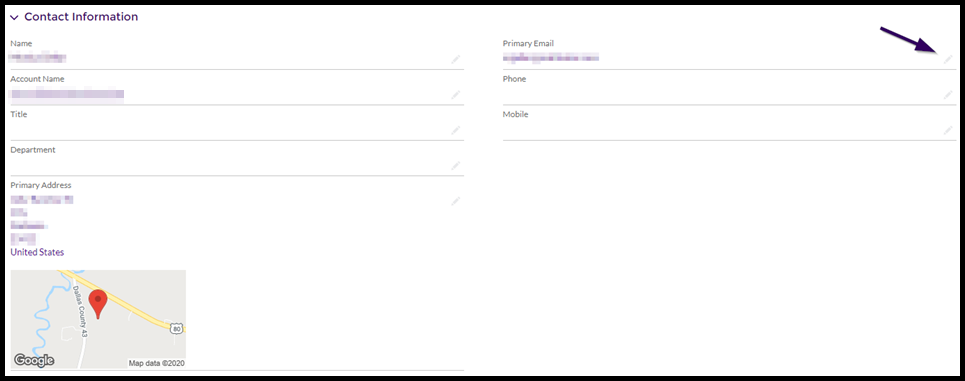
If any of the information presented is incorrect or out of date, select the pencil icon next to the field, enter the updated information, and select the Save button.
To update any Partner contact information, please raise a case.